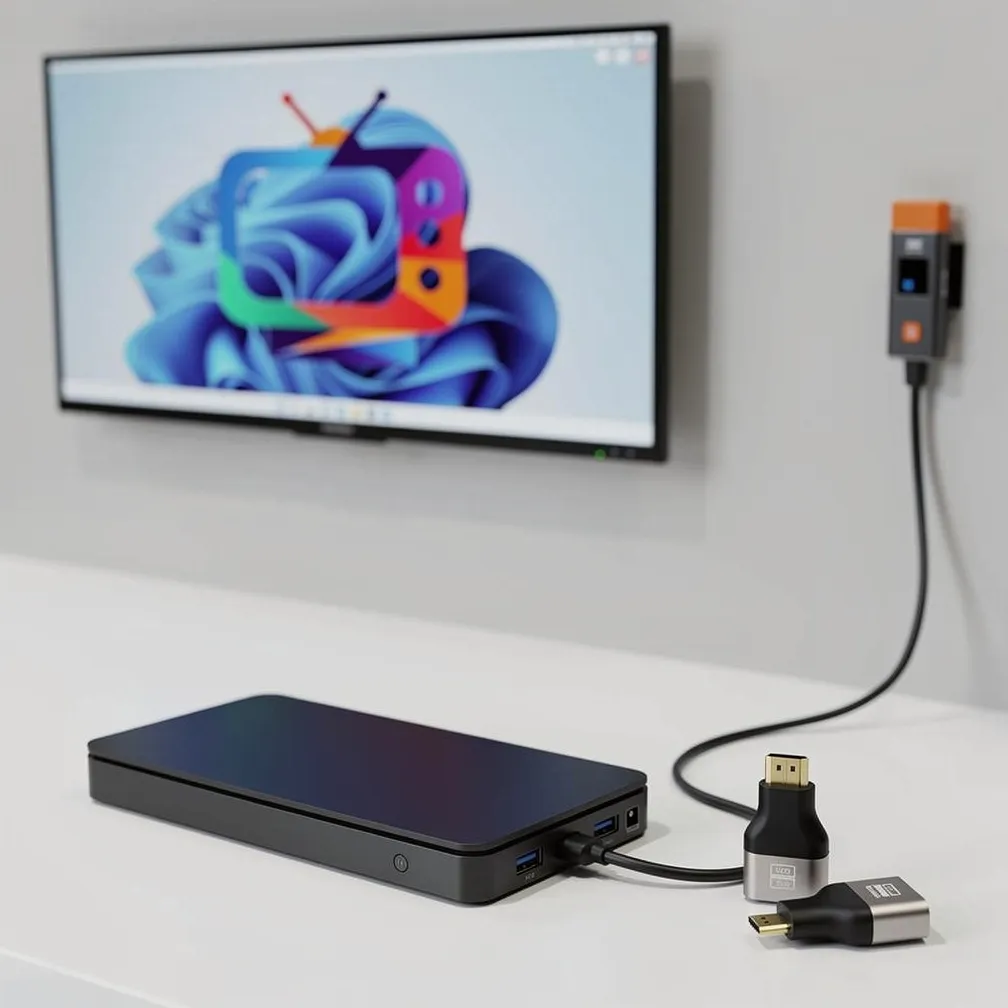
How to get your digital signage on a screen

Two simple ways to display your content. Use a device you already own, or rent professional hardware for the easiest, highest-quality experience.

Requires an Active Internet connection.

Choose your setup

Bring Your Own Device

Use any screen you already have

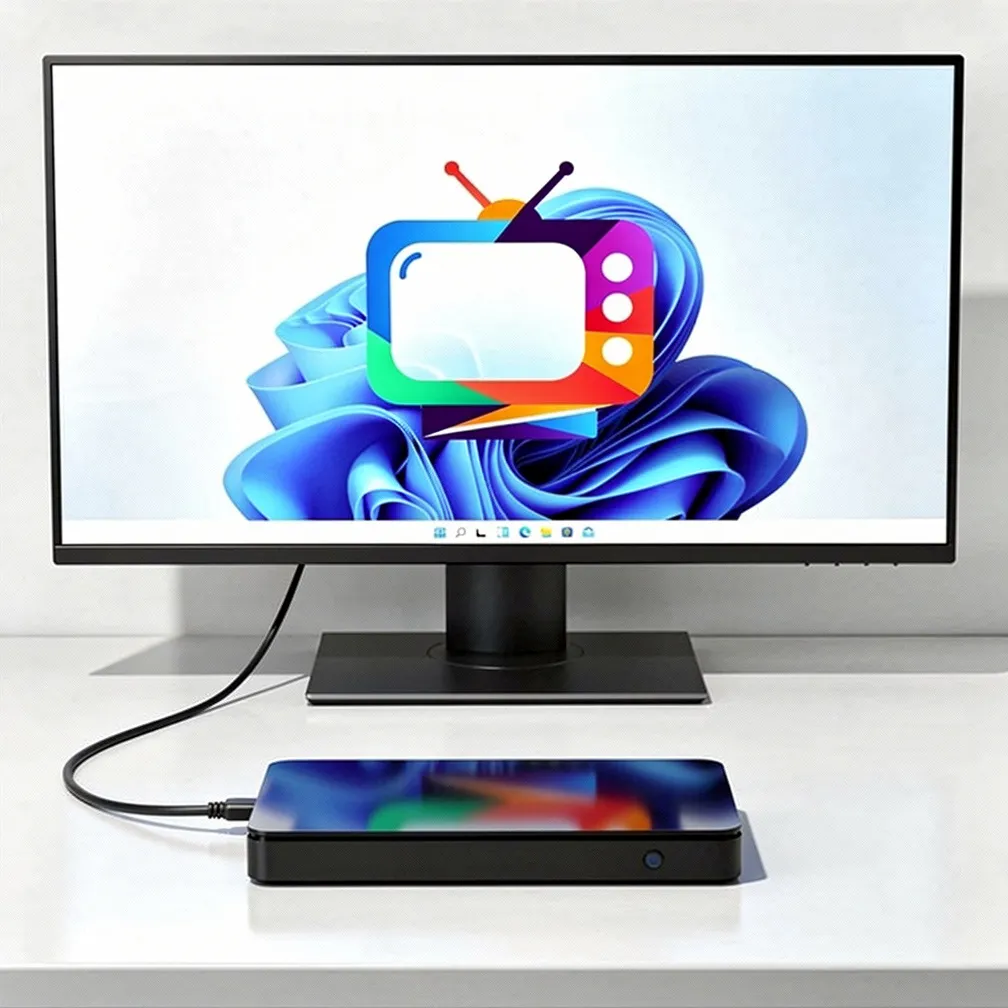
Most modern equipment* with a current browser and an internet connection can run your channel — open the display link and go fullscreen.

Common setups: laptop or mini PC to a TV, Chromebox, Chromebook, or a spare office computer. No special apps to install.

This is the fastest way to get started. You don't need to buy or rent anything new.

*Modern browser means a current Chrome, Edge, Chromium, Safari 15+, or up-to-date Firefox — not Internet Explorer. See FAQ for full minimum requirements.

Works with the hardware you already own
Rent Professional Display Hardware

Highest quality. Fully managed. Zero hassle.

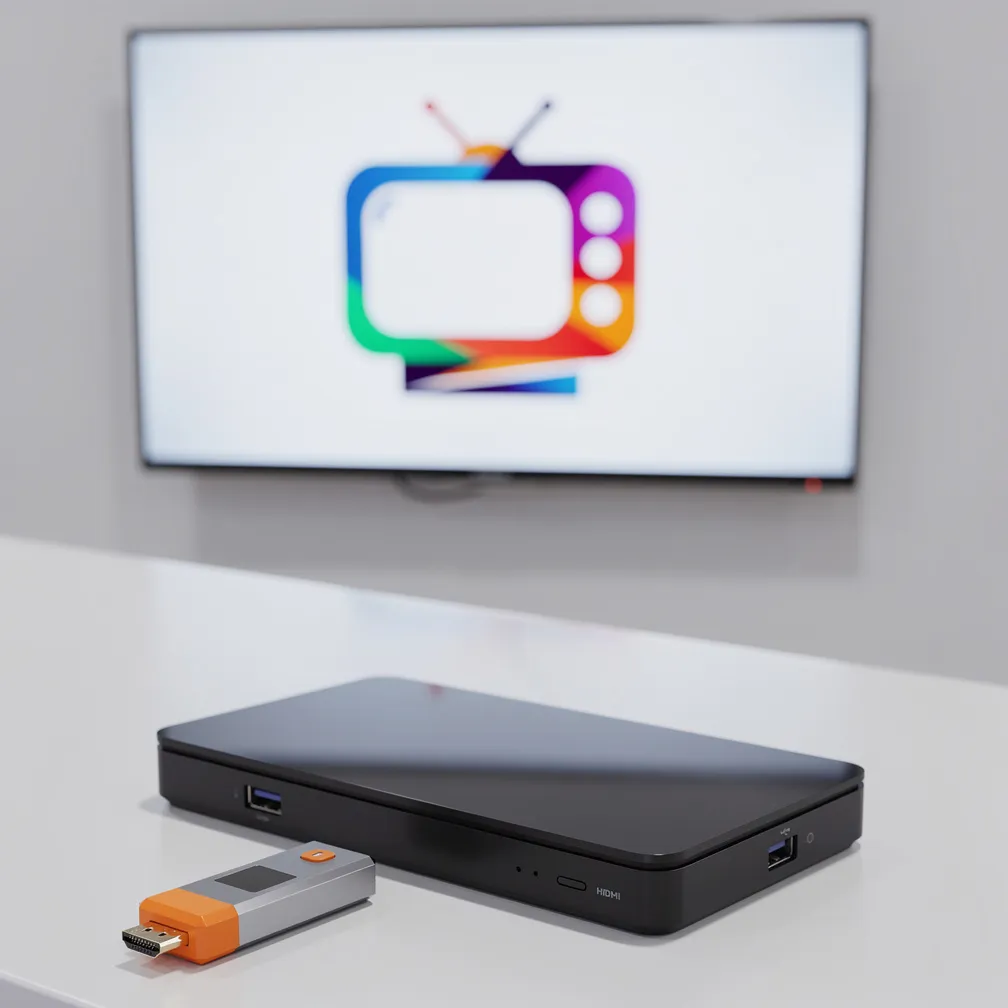
We ship ready-to-use display devices so you get reliable, always-on performance without managing the hardware yourself.

If anything goes wrong, support and replacement are straightforward — making this the easiest path for teams that want a polished, set-it-and-forget-it experience.

One-time hardware fee: $200 per device

Optional replacement plan: +$10/month per device

Hardware fees are in addition to your subscription.

Best for reliability and the highest quality experience

Quick comparison

Bring Your Own DeviceRent Display Hardware
Hardware costFree (use what you have)$200 one-time + optional $10/mo
Minimum requirementsModern browser*, always-on internet, device that can stay awakeInternet + power — we ship the player
Setup & supportYou manage the deviceWe handle it, with support and optional replacement
Best forFlexibility & low costReliability & premium experience
InternetRequiredRequired

Many teams start with Bring Your Own Device and add rented hardware later as they grow.

FAQ

Do I need special hardware?
No dedicated signage box is required. Bring Your Own Device runs in a browser on equipment you already own — a laptop, mini PC, Chromebox, Chromebook, or similar. Rented hardware is optional when you want a managed, set-it-and-forget-it player.
What are the minimum requirements for Bring Your Own Device?

Think of it like a game's system requirements — most modern equipment works; very old or locked-down devices may not.

  • Browser: a current Chromium-based browser is best (Chrome, Edge, or Chromium). Safari 15+ and up-to-date Firefox also work.
  • Not supported: Internet Explorer and legacy Edge (non-Chromium).
  • Network: a stable, always-on internet connection (wired preferred for 24/7 screens).
  • Display: any HDMI/DisplayPort monitor or TV the device can drive; keep the device awake and the player in fullscreen.
  • 3D / avatar content: needs WebGL (standard on modern GPUs — integrated graphics from the last several years are usually fine).

Smart TV built-in browsers vary widely. Many can run a quick test; for all-day reliability we recommend a small computer or our rented players instead of the TV's own browser.

Can I use an old laptop or computer?
Often yes — if it still runs a supported modern browser* and can stay awake with a steady network link. A dusty machine from a decade ago with an outdated OS usually struggles; something that still gets Chrome or Edge updates is typically fine for menus, photos, and video.
Do I need a paid plan for either option?
Yes. Every screen runs on a paid subscription. Bring Your Own Device has no hardware fees; renting adds the one-time device fee and optional replacement plan.
What if something goes wrong with rented hardware?
The optional $10/month replacement plan makes swaps simple and low-risk.

Ready to put your content on a screen?

Choose the option that fits your needs, or talk to us if you'd like help deciding.